
Ecommerce websites
Ecommerce website development for South African businesses. Product catalogues, payments, shipping, stock, customer journeys and WooCommerce integrations.


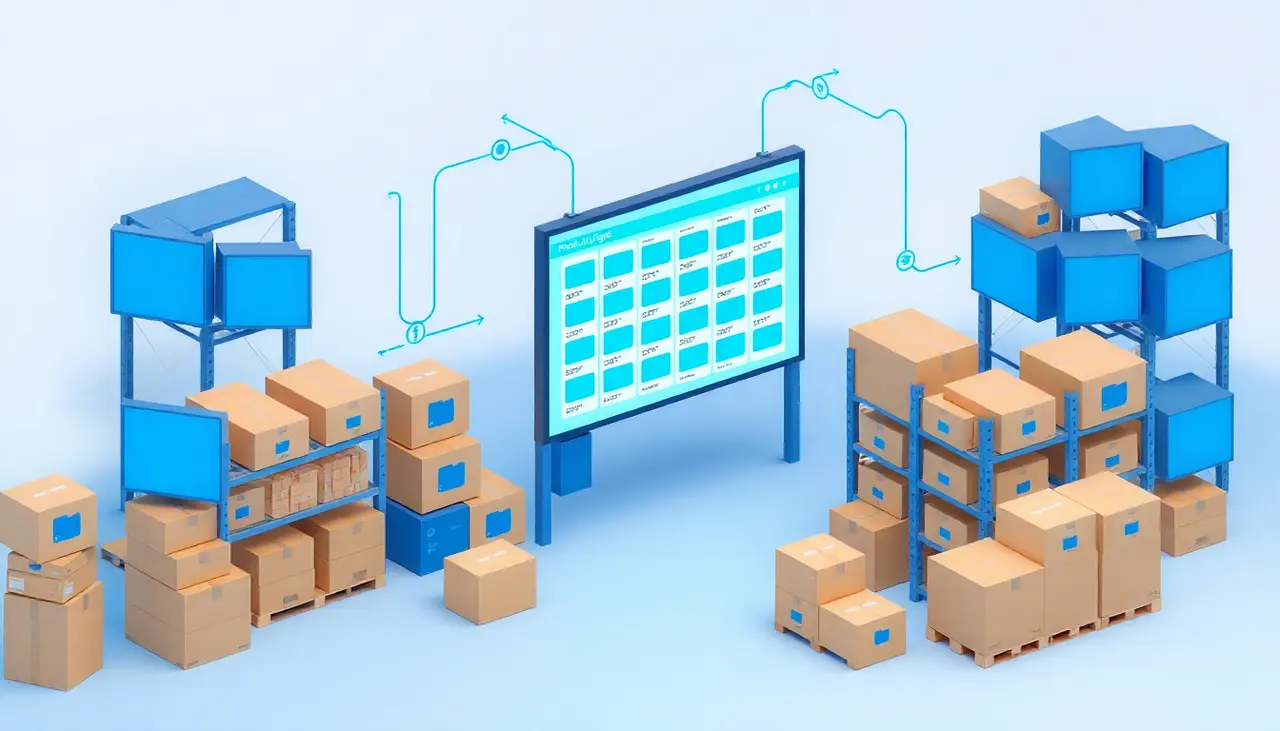
Maintaining a large online catalogue by hand becomes difficult when several suppliers update their prices, stock or product ranges at different times. Even a good-looking store can become unreliable if product codes do not match, images go missing or availability is out of date.
We help businesses plan and build product catalogue integrations so their websites use information from the right source.
Depending on the supplier, a feed may provide product references, categories, sizes, colours, images, availability and prices. It may arrive through an API, spreadsheet, XML feed or another supported format.
We first check what the supplier actually provides. We then decide which fields should update automatically and which information your business should control locally.
For example, a supplier might own stock and cost prices while your website owns selling prices, margins, category descriptions and SEO copy. Automatically overwriting everything would erase valuable work.
A sound catalogue setup needs clear rules for:
These decisions are particularly important where thousands of products may be affected by one sync job.
A single documented supplier API is usually simpler than combining several suppliers with different identifiers and fields. When multiple suppliers sell the same item, we may need a separate mapping layer and a deliberate choice about price and availability.
For WooCommerce stores, read about WooCommerce API integrations. If customers need to request prices rather than pay online, the catalogue versus ecommerce guide may help.
Ecommerce website development for South African businesses. Product catalogues, payments, shipping, stock, customer journeys and WooCommerce integrations.

South African WooCommerce development for custom stores, checkout changes, product catalogues, wholesale functionality, performance and API connections.

Connect WooCommerce to suppliers and external software. Custom API integrations for products, prices, stock, orders and dependable data syncing.

Approximate product count, number of suppliers, data formats, sample records, desired update frequency and whether the public website is a shop or quote catalogue.